Android Phone: Your Free Wi-Fi Extender Fix
For many households, the struggle with inconsistent Wi-Fi coverage and frustrating "dead zones" is a familiar one. While solutions like new routers, mesh systems, or dedicated Wi-Fi extenders can address these issues, they often come with a significant financial outlay. A surprisingly cost-efficient alternative lies in a device many already possess: an old Android phone.
Instead of relegating an outdated device to a drawer or recycling bin, it can be repurposed into a functional Wi-Fi extender, leveraging its built-in hotspot capabilities. This method offers a rapid, zero-cost fix for patchy signal areas, transforming an unused gadget into a valuable component of your home network infrastructure without requiring specialized apps, additional hardware, or advanced technical expertise.
Unlock Cost Efficiency: Repurposing Old Android Devices
By Decode Today News
The immediate appeal of using an old Android phone as a Wi-Fi extender is its unparalleled cost efficiency. While a basic commercial extender can cost around $50, and more robust mesh systems or new high-performance routers can easily run into hundreds of dollars, this approach utilizes existing technology at no additional expense. This provides a significant advantage, particularly for consumers seeking immediate relief from connectivity issues without a substantial investment.
Beyond the direct financial savings, repurposing an old phone contributes to a broader circular economy, delaying e-waste and extending the lifecycle of electronic devices. It's an accessible, low-effort solution that directly addresses consumer demand for reliable internet access in every corner of their home. The setup process is straightforward, requiring only access to the phone's native settings after ensuring it's charged and updated.
Understanding the Mechanics of a Phone Wi-Fi Extender
An Android phone functions as a Wi-Fi extender by connecting to your existing home Wi-Fi network and then rebroadcasting that signal as a separate hotspot. This acts as a signal relay, picking up the Wi-Fi from your primary router and passing it along to other devices that might otherwise struggle with a weak connection. Essentially, the phone serves as an intermediary, extending the reach of your network into areas where the original signal strength is compromised.
It is important to understand that while this method extends coverage, it does not transform your phone into a mesh system. Dedicated mesh networks offer seamless roaming and a single, unified network name, providing a robust and integrated solution. The Android phone solution, by contrast, creates a distinct network hotspot. However, for a quick, localized fix in a specific dead zone, its simplicity and zero cost make it an attractive option for improving immediate connectivity.
Step-by-Step Guide to Setting Up Your Android Extender
The process to configure an old Android phone as a Wi-Fi extender is remarkably simple and can be completed in just a few minutes. Before starting, ensure your old Android device is charged and running its latest software updates.
- Connect to Home Wi-Fi:
- Open Settings on your Android phone.
- Navigate to Network & Internet, then select Internet.
- Choose your existing home Wi-Fi network from the list and enter the password when prompted.
- Activate Wi-Fi Hotspot:
- Go back to Settings.
- Select Hotspot and Tethering.
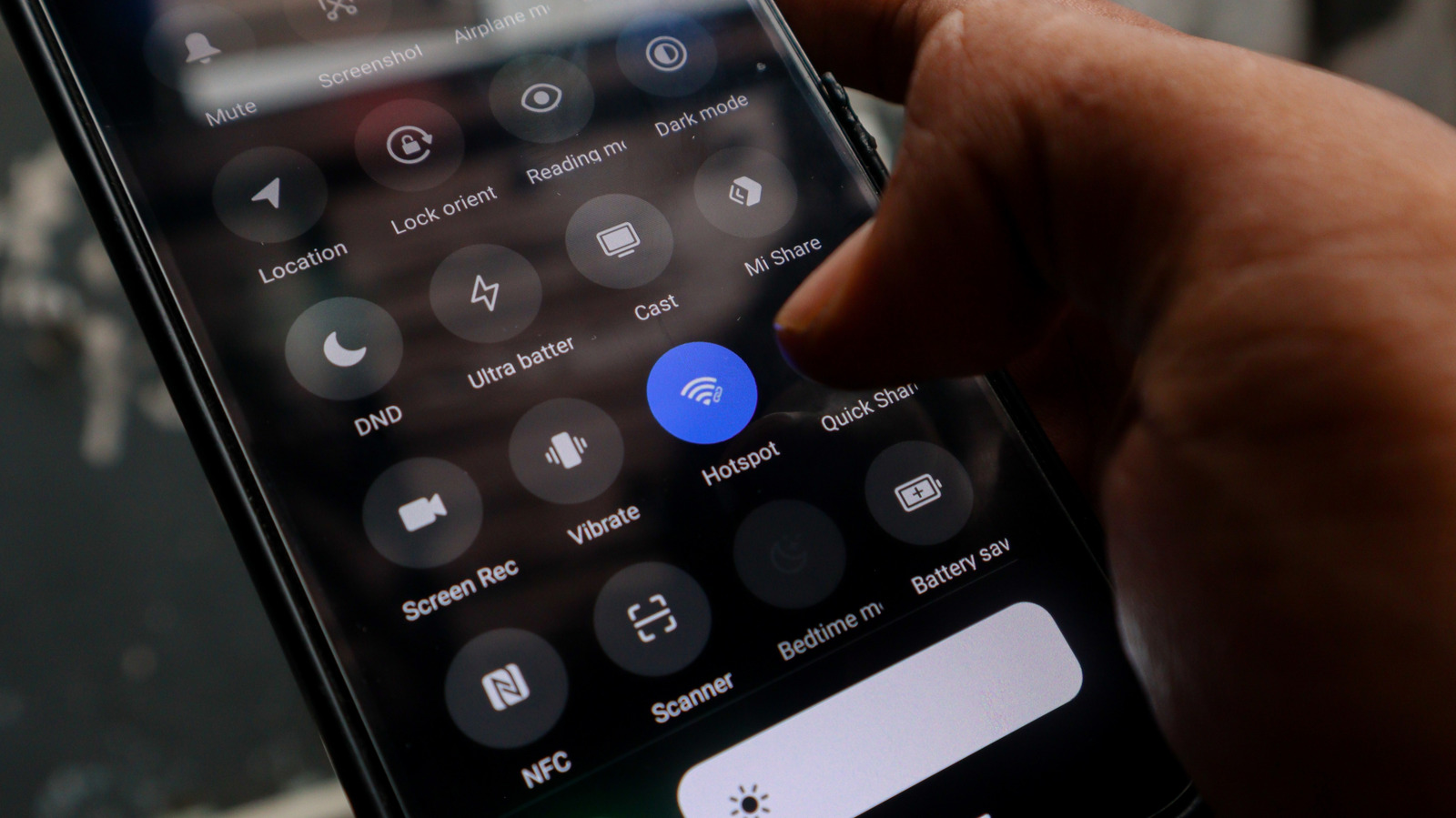
- Toggle on the Wi-Fi Hotspot feature. (The Hotspot icon can often also be found in the phone's quick-settings drop-down menu for faster access.)
- Configure Hotspot Settings:
- Tap on the Wi-Fi hotspot option to access its settings.
- Rename the network to something easily identifiable (e.g., "MyHomeExtender").
- Set a strong password to secure your new network and prevent unauthorized access.
- Select Network Band (If Supported):
- If your phone supports it, you may find an option for speed or band settings.
- Selecting 5GHz can offer improved performance for nearby devices, but it typically has a shorter range. For broader coverage, 2.4GHz might be more suitable. Choose based on your specific needs and the phone's proximity to connected devices.
Once configured, the critical next step is strategic placement. Position the Android phone approximately halfway between your main Wi-Fi router and the specific dead zone you aim to cover. Given that old phones may have diminished battery life, and continuous hotspot operation is battery-intensive, ensure the device is placed near a power outlet for constant recharging. This sustained power supply is crucial for uninterrupted signal extension.
Key Considerations and Limitations
While an old Android phone provides a highly accessible and cost-effective solution for Wi-Fi dead zones, it is important for consumers to understand its inherent limitations compared to commercial alternatives. This method is a practical workaround, not a permanent, high-performance network solution.
- No Internet Speed Boost: The phone extends your existing Wi-Fi signal, but it cannot enhance your internet speed. If your primary internet connection is already slow, the extended hotspot will not improve that fundamental issue.
- Performance Discrepancy: Dedicated Wi-Fi extenders, mesh nodes, or new, powerful routers are engineered specifically for network performance. They typically offer superior range, stability, and throughput compared to a repurposed smartphone. These commercial solutions are designed for sustained, high-demand operation, offering a robust infrastructure that an Android phone cannot replicate.
- Limited Smart Home Integration: Most commercial extenders support smart home ecosystems, often enabling seamless roaming for devices as you move around your home. An Android hotspot, however, creates a separate network. This lack of enterprise integration means some smart home devices, which expect a unified network, may not connect reliably or might require manual re-connection, potentially impacting the overall user experience and smart home operating margin.
- Manual Network Switching: Users will need to manually switch between their main home Wi-Fi network and the Android phone's hotspot as they move between different areas of the house. This can be an inconvenience for seamless connectivity, contrasting with the automated handoff offered by integrated mesh systems.
- Battery Reliance: Continuous operation as a hotspot rapidly drains the phone's battery, necessitating constant connection to a power source. This might restrict ideal placement options if power outlets are scarce.
Is an Android Extender Right for Your Home?
The decision to utilize an old Android phone as a Wi-Fi extender ultimately depends on your specific needs and expectations. If you require a quick, temporary fix for a single problem area, or a supplementary solution with zero initial investment, this method is highly effective. It allows you to leverage existing hardware, offering a strong argument for cost efficiency and reducing immediate consumer demand for new devices.
However, if your priority is maximum range, superior performance, seamless smart home integration, or a permanent, robust network upgrade, then investing in a commercial Wi-Fi extender, a mesh system, or a new high-performance router will yield better results. Consider the Android phone option if you have an unused device on hand and need an immediate, free solution to combat a Wi-Fi dead zone. As an alternative, for a more stable connection to a single device, you could also explore the USB tethering option, connecting the phone directly to a laptop or PC.
In essence, this method transforms a forgotten device into a surprisingly capable solution for the right situation, setting up in minutes at no cost, and keeping technology out of the recycling bin a little longer. Just remember, it's a practical workaround for connectivity gaps, not a comprehensive or permanent network infrastructure upgrade.