Unlock Premium Headphone Bass Performance
Achieving superior bass response from headphones often hinges on strategic adjustments rather than an immediate hardware upgrade. Many users can significantly enhance their audio experience by tweaking existing settings, focusing on a deep, punchy low-end that complements, rather than overwhelms, other frequencies. The goal is refined audio fidelity, not merely a rattling sound.
The Foundation of Superior Bass: Physical Fit and Seal
By Decode Today News
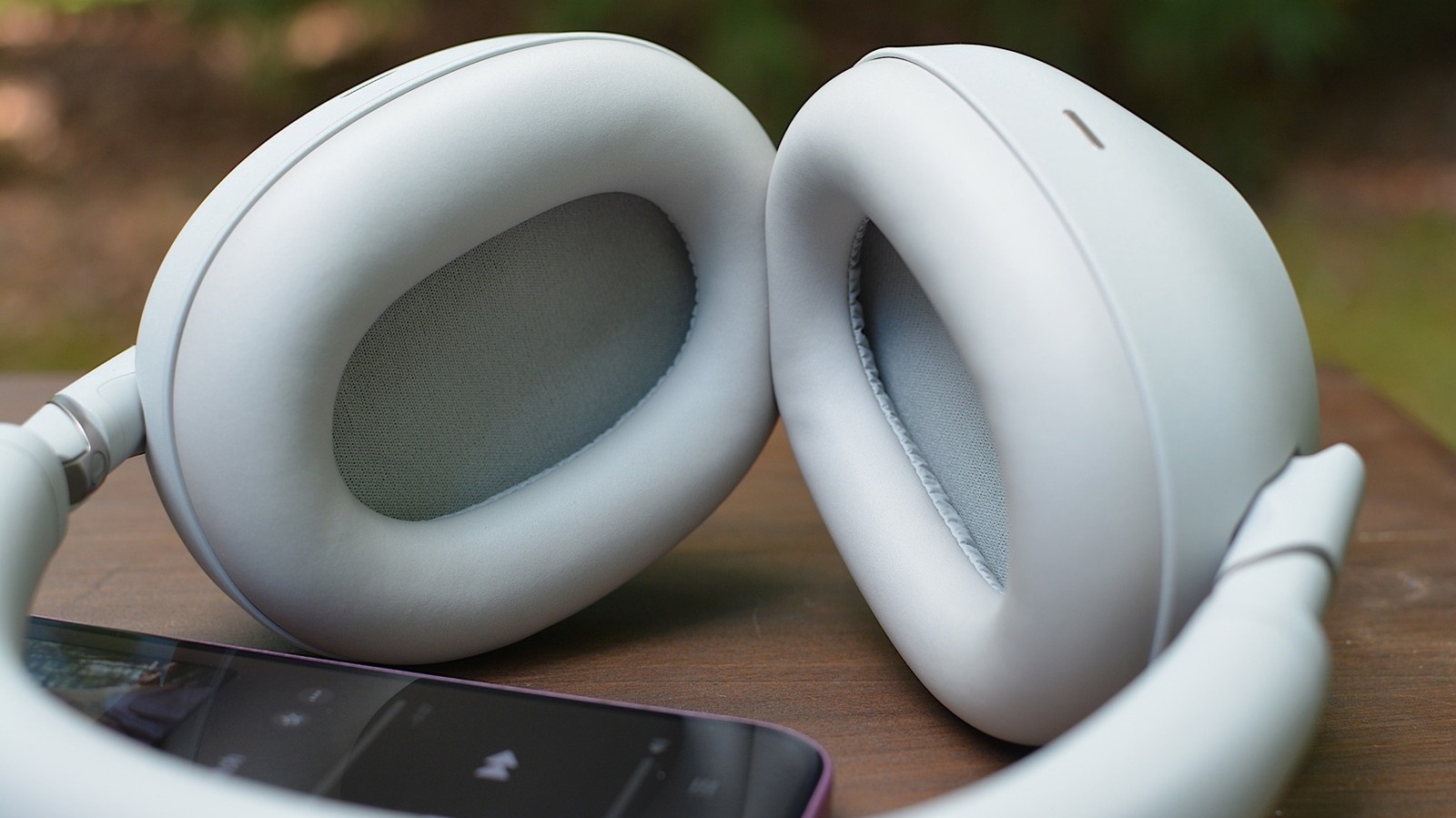
Before diving into software adjustments, ensuring a proper physical seal is paramount. Bass frequencies are often the first to suffer from an inadequate seal, leading to a thin or weak sound profile. The design of your headphones plays a critical role in this fundamental aspect of audio quality.
Closed-back headphones and earbuds with a tight seal are generally the most effective choices for delivering robust bass. These designs naturally contain sound, preventing bass frequencies from leaking out. In contrast, open-back cans, while celebrated for their natural and expansive soundstage, are typically less suited for intense, punchy bass. Similarly, open-fit earbuds like the AirPods 4 and open-ear options such as the Shokz OpenFit Pro, despite improvements over older models, may not provide the deepest bass experience due to their inherent design.
Understanding the Mechanics of Sound Isolation
Sound isolation, achieved through a secure physical fit, is a cornerstone of optimal audio performance, directly influencing the perception of bass. When a headphone or earbud creates an effective seal, it acts as a miniature acoustic chamber, trapping low-frequency sound waves and preventing their dissipation into the surrounding environment. This containment is essential for bass definition and impact, contributing directly to perceived audio fidelity and meeting sophisticated consumer demand for immersive sound. Without this isolation, sound waves, particularly the longer bass frequencies, escape, diminishing their intensity and making the overall audio profile sound weak or 'thin'. This engineering principle underscores why fit is a critical initial step in any audio optimization strategy, directly impacting the effective delivery of audio signals from the transducer to the ear canal.
For users of earbuds with interchangeable tips, experimentation is key. Tips that are either too large or too small can compromise the seal, resulting in diminished low-end performance. Foam tips are often recommended as they tend to create a tighter, more conforming seal compared to standard silicone options. Furthermore, some devices, such as Apple AirPods Pro, offer software-based fit tests that provide precise feedback on the quality of the earbud seal, enabling users to find the optimal tip size for their ear canal. For over-ear headphones, ensuring the cups comfortably and completely cover the ears is vital. Factors like wearing glasses, certain hairstyles, or even worn-down ear pads can inadvertently break the seal, negatively impacting bass response and overall sound quality.
Mastering Software Equalization for Enhanced Low-End
Once the physical fit is optimized, the next step involves fine-tuning software-based equalization (EQ) settings. A common pitfall is 'stacking' EQ settings, such as boosting bass in both a music streaming app like Spotify and a headphone manufacturer's companion app (e.g., Sony Sound Connect app). This can lead to undesirable audio artifacts, including garbled or distorted sound. A best practice is to disable all existing EQ settings and then make gradual adjustments within a single, preferred application.
Generally, it is advisable to utilize the EQ within the headphone's dedicated companion app, as these are often tailored to the specific audio profile of the device. However, if your headphones lack an in-app EQ, or if you desire an adjustment that applies exclusively to a particular music application, then the music app's EQ becomes the primary control point.
Navigating Software Integration for Optimal Audio
The effective management of audio processing across multiple software layers is critical for achieving optimal sound quality and maintaining signal integrity. In today's interconnected digital ecosystem, audio signals often traverse several stages of software integration – from the source material in a streaming application to the device's operating system, and finally to the headphone's proprietary software. Each layer can introduce its own processing, and without a singular, authoritative control point for equalization, the audio signal can become over-processed or distorted. This principle of avoiding redundant or conflicting audio enhancements is central to maintaining high audio fidelity and ensuring the precise delivery of sound as intended by the audio engineer. For IT managers and tech enthusiasts, understanding this interplay of software components highlights the importance of streamlined user interfaces and robust application programming interfaces (APIs) that allow for clear control over digital audio pathways, preventing potential interoperability issues and ensuring a consistent user experience across platforms like iOS and Android.
For popular music platforms, checking and adjusting EQ settings varies:
- Spotify: Navigate to Settings and privacy > Playback > Equalizer. Note that on Android devices, this option might redirect to the system's native audio settings.
- Apple Music: Access through Settings > Apps > Music > EQ. Apple's EQ presets are typically labeled by genre rather than displaying a visible frequency curve.
It's important to acknowledge that not all streaming services offer in-app EQ capabilities. For instance, YouTube Music on Android relies on the phone's native EQ settings and currently lacks an in-app EQ on iOS. Similarly, Tidal, despite its focus on high-fidelity audio, does not provide an in-app EQ option on either platform.
Fine-Tuning the EQ Curve for Punchy Bass
Within your chosen headphone app's EQ, resist the temptation to activate generic "bass boost" settings. While these may initially sound appealing, they often lead to an artificially bloated bass that can quickly cause listening fatigue. Instead, focus on manipulating the EQ curve to achieve a more nuanced and impactful low-end.
The EQ curve graphically represents the frequency spectrum: the left side corresponds to low frequencies (bass), the middle to mid-range frequencies (vocals and most instruments), and the right side to high-pitched sounds (treble). Adjusting the curve up increases the volume for that frequency range, while moving it down decreases it. Our focus here is on the left side of this graph.
Specifically, the far left of the spectrum, approximately 20 to 60 Hz, controls the deepest, rumbling bass. Moving slightly to the right, the range from 60 to 150 Hz primarily affects the 'punch' and 'weight' of the bass. Exceeding this range will begin to impact the low-mids, drifting out of pure bass territory. Keep in mind that the granularity of control can vary; some apps offer a detailed multi-point curve, while others, such as Apple's new EQ for supported H2-chip AirPods, provide simpler, broader controls for low, mid, and high frequencies.
The Science of Frequency Response and Audio Fidelity
Frequency response refers to the range of frequencies a sound system can reproduce and how accurately it reproduces each. In the context of bass, a well-engineered frequency response means that the lower end of the audio spectrum is reproduced with clarity, depth, and impact, without bleeding into or obscuring the mid-range. Audio fidelity, the measure of how accurately a sound system reproduces its input signal, is profoundly affected by this. When adjusting an EQ curve, users are essentially manipulating the system's frequency response to match their personal preference or compensate for the acoustic characteristics of their headphones or listening environment. A controlled lift in the 20-60 Hz range provides the visceral 'rumble,' while enhancements in the 60-150 Hz band contribute to the 'punch' – the feeling of impact that often characterizes excellent bass. This careful balance is a testament to sound engineering principles, aiming to deliver an audio experience that satisfies sophisticated consumer demand for high-quality, undistorted sound across the entire audible spectrum, thereby enhancing the overall user experience and competitive market valuation of premium audio devices.
An optimal bass EQ isn't about applying a sharp, sweeping boost across the entire low-end. Often, a subtle lift in specific low-frequency bands yields a more impactful and natural-sounding bass than broadly increasing everything. The objective is to enhance the bass's presence and impact, not to create an overwhelming, skull-shaking sensation. Excessive bass can easily mask vocals and muddy other instruments, detracting from the overall musical balance. The recommended approach is incremental: make small adjustments, then listen to a diverse selection of songs across different genres at your typical listening volume. Only add more bass if it truly enhances the experience without compromising clarity. If vocals become obscured or the sound profile becomes indistinct, pull the bass back.
The Art of Incremental Adjustment and Contextual Testing
The path to perfect bass is iterative and personal. What sounds excellent on one track might not translate well to another, or what is pleasing for a short test might become fatiguing during extended listening sessions. Therefore, it's crucial to test your EQ settings across a variety of genres that reflect your typical listening habits. A setting that only improves a single song is unlikely to be a universal solution.
Furthermore, different listening modes on some headphone models can subtly alter bass response. Normal, noise-canceling, and transparency modes might each present slightly different low-end characteristics. The same applies to advanced spatial audio features found in devices like Apple AirPods and Bose QuietComfort Ultra. It is imperative to test your EQ adjustments in the modes you use most frequently to ensure consistent performance.
Optimizing User Experience Through Adaptive Sound Profiles
Modern audio technology increasingly focuses on adaptive sound profiles, a concept central to enhancing user experience and delivering consistent audio quality across varied conditions. Headphones equipped with advanced processors, such as Apple's H2 chip, are designed to interpret environmental cues and user preferences, dynamically adjusting audio output. Different listening modes – from active noise cancellation (ANC), which often requires specific bass compensation to counteract external noise, to transparency mode, which blends ambient sounds – inherently alter the acoustic environment perceived by the listener and the headphone's internal processing. This necessitates that optimal EQ settings are not static but are tested and potentially refined within each commonly used mode. Integrating user preferences with these adaptive technologies allows for a more personalized and consistent audio experience, reflecting a sophisticated approach to consumer demand and operating margin by enhancing product utility through software innovation.
There is no universal "perfect" setting; the ultimate goal is to find a balance where the bass is powerful, controlled, and harmonious with the rest of your music. Trust your ears over extended listening sessions, not just initial impressions. This methodical approach ensures lasting audio satisfaction.
When to Consider a Hardware Upgrade for Peak Performance
After diligently applying all physical and software optimization techniques, if you still find yourself desiring better bass, it may indeed be time to explore new hardware. The current generation of premium wireless headphones offers exceptional low-end performance straight out of the box, often featuring advanced drivers and acoustic designs tailored for rich bass reproduction. These devices represent the pinnacle of audio engineering, providing a solid foundation for superior sound.
Among the leading options renowned for their impressive low-end capabilities are:
- Sony WH-1000XM6
- Sennheiser HDB 630
- Bose QuietComfort Ultra (2nd gen)
- AirPods Max 2
These models exemplify how continuous innovation in audio technology, coupled with sophisticated digital signal processing and robust hardware, meets the discerning demands of a premium audience seeking the absolute best in sound quality and enterprise integration for their daily audio needs.


